Chrome extension · Side panel · Works in Chromium browsers

Every client's brand,
one click away.

Extract colours and fonts from any website, save them together as a palette per client, and apply them to the live page. Switch clients as fast as you switch tabs.

Free plan: 3 palettes. Pro is a single US$19 payment. No subscription. No account.

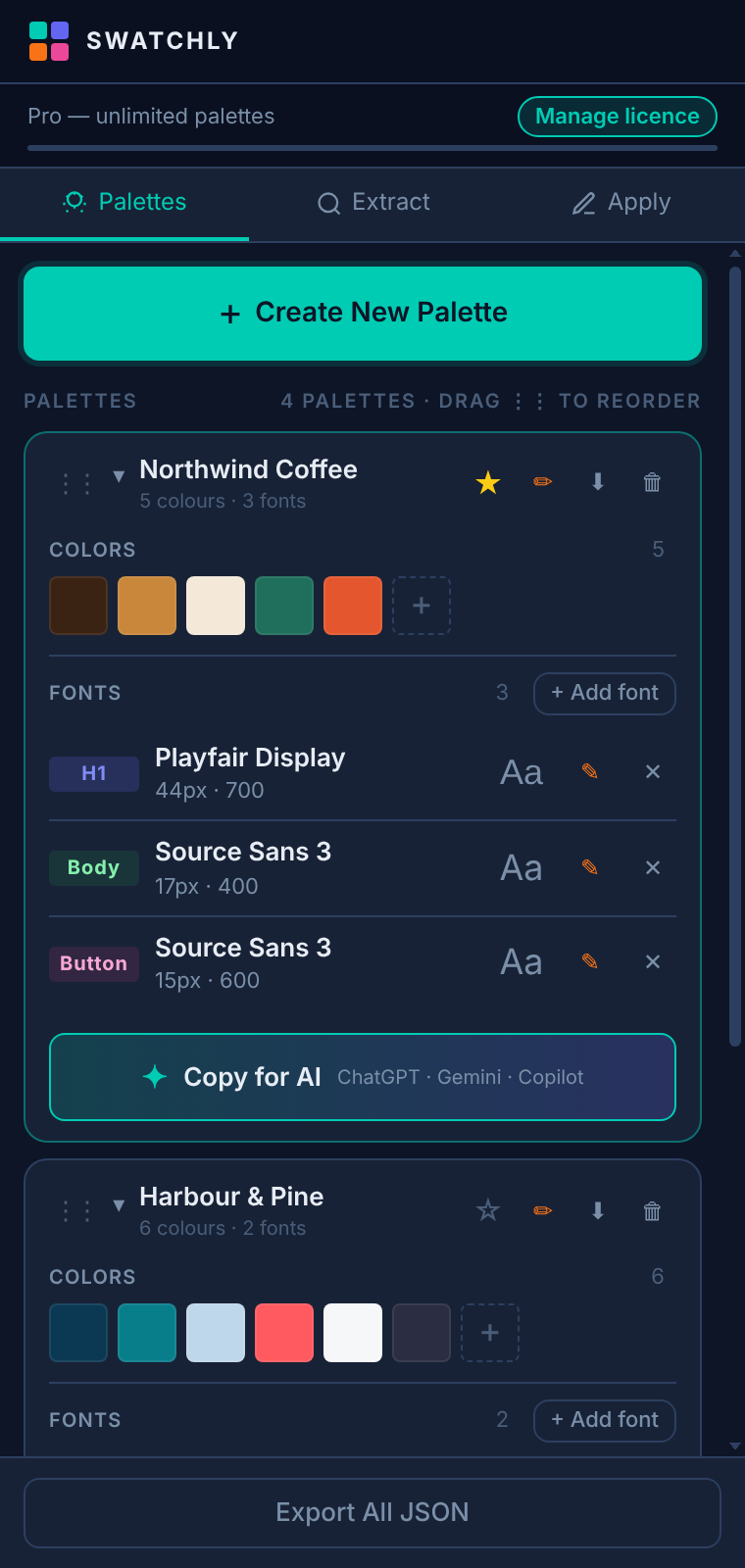
Swatchly side panel showing a client palette with colours and fonts
Built for client work

Stop hunting for the brand guidelines PDF.

Juggling several clients means juggling several sets of colours and fonts. Swatchly keeps each one handy in the browser side panel.

🎨

Colours and fonts together

One palette per client holds the whole brand: swatches and typography roles (H1, Body, Button and more).

🔍

Extract from any site

Scan a page for its real colours and fonts. Click to add them straight into the palette you're working in.

🖌️

Apply to the live page

Pick a swatch, click an element, and preview text colour, background or a font. Great for quick mock-ups.

⭐

Pin what you're working on

Pinned palettes stay at the top and become one-click chips in Apply. Collapse the rest, drag to reorder.

🎯

Eyedropper & inspector

Pick any pixel on screen, or inspect an element to read its colours and font in one go.

✦

Copy for AI

One click turns a palette into a ready-made prompt for ChatGPT, Gemini or Copilot: contrast, harmony, accessibility.
How it works

From a client's site to a saved brand in a minute.

Create a palette

Name it after the client. It will hold their colours and their fonts.

Extract

Open their site, scan colours and fonts, and click what belongs to the brand.

Pin & switch

Pin today's client. Flip between clients without losing your place.

Apply

Click a swatch, click an element, and see the brand on the live page.

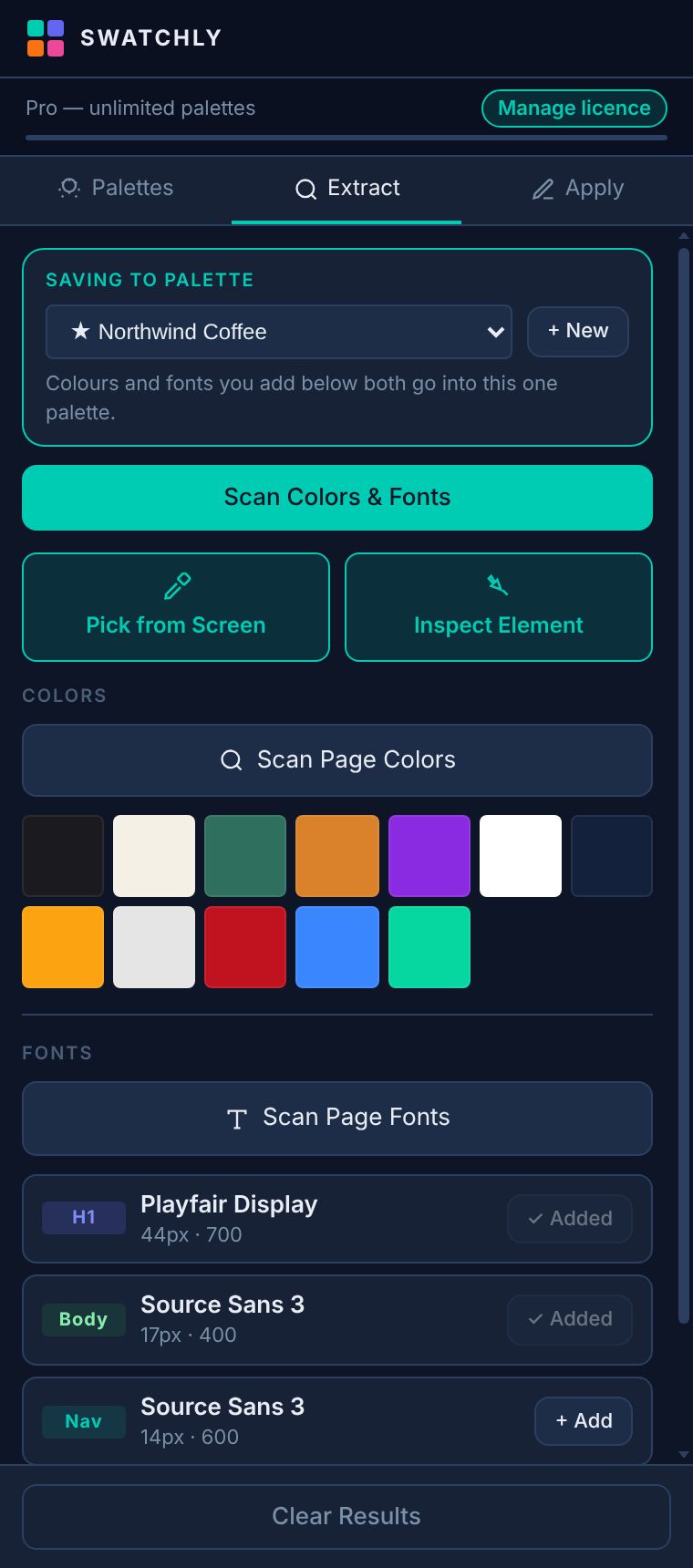
Extract tab with scanned colours and fonts
Extract colours and fonts into one palette
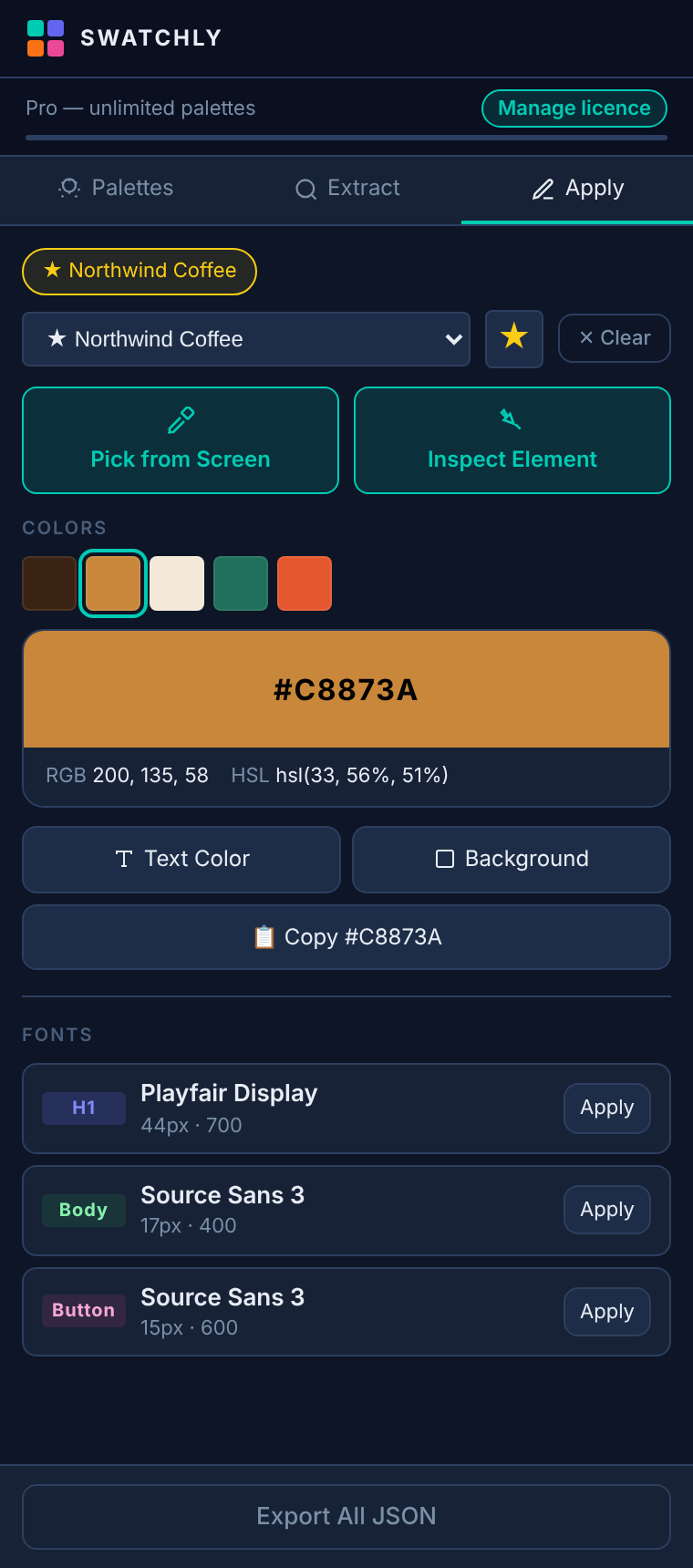
Apply tab with a selected colour
Apply a swatch to any element
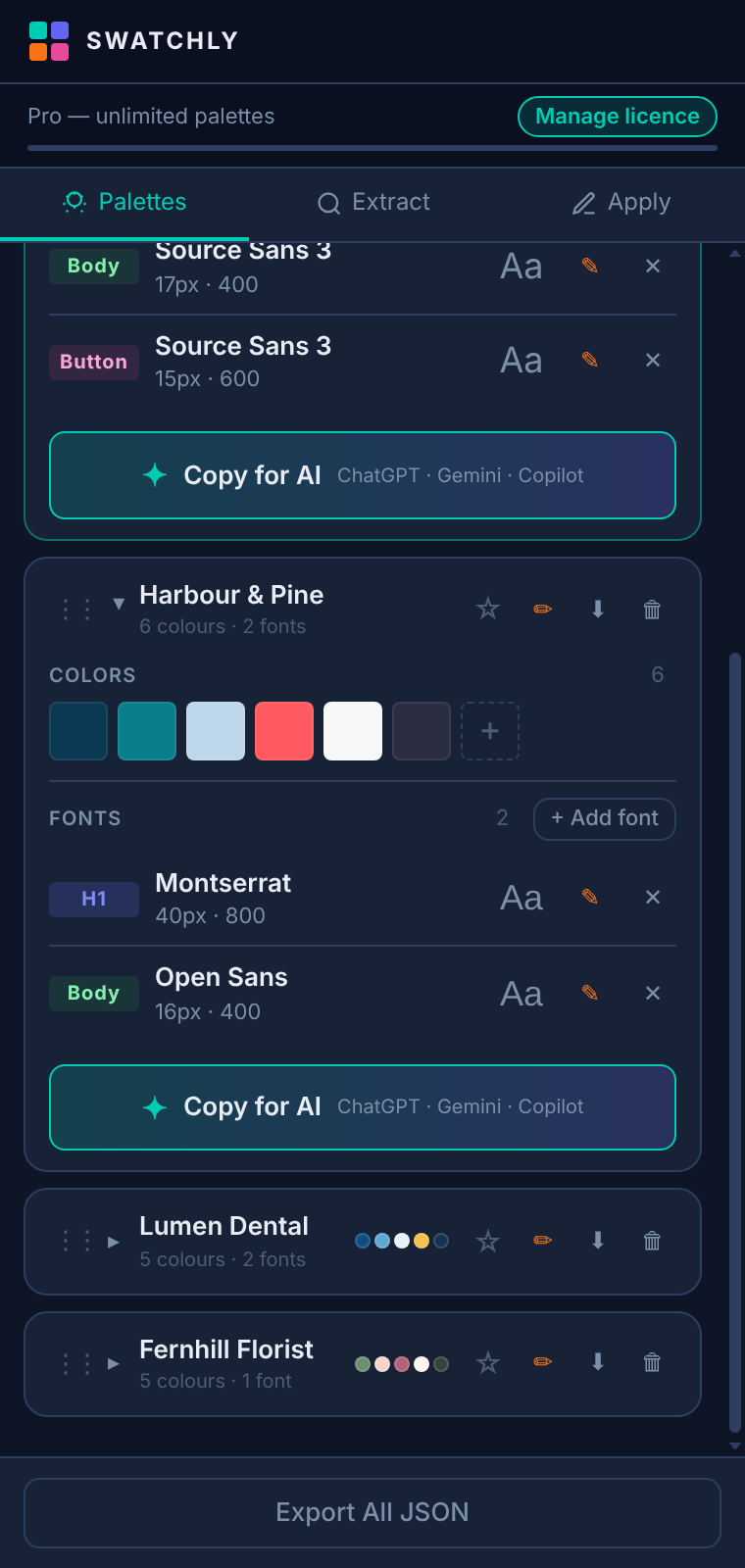
Palette cards with the Copy for AI button
Copy a palette as an AI-ready prompt
Pricing

Pay once. Keep it.

No subscription and no account. Pro is a one-off payment for the life of the product.

Free

$0 forever
  • 3 palettes
  • 20 colours · 10 fonts
  • Extract, apply, eyedropper, inspector
  • Copy for AI
Add to Chrome

Pro

US$19 one-off
  • Unlimited palettes, colours and fonts
  • Everything in Free
  • Licence works on a device you choose (move it any time)
  • For as long as Swatchly is offered
Buy Pro — US$19

Payments are handled by Creem, our merchant of record. See the terms for what "lifetime" means.

Questions

Good to know.

Does Swatchly collect my data or browsing?

No. Your palettes are stored only in your browser. There is no account, analytics or tracking. Pages are read locally and only when you scan, inspect or apply. See the privacy policy.

Which browsers does it work in?

Chrome, and other Chromium browsers that support the Chrome Web Store, such as Edge, Brave and Vivaldi. It uses Chrome's side panel where available.

Can I move my palettes to another computer?

Yes. Export everything as JSON from the panel footer. Your Pro licence can be deactivated on one device and activated on another.

Why does it need access to all sites?

To read colours and fonts from whichever page you're on, and to apply a colour to an element you click. It only acts when you press a button.

What does "lifetime" mean?

Pro lasts for as long as Swatchly is offered. If we ever stop offering it, we'll give clear notice first. Details are in the terms.

Get the brand right, first time.

Install Swatchly free and have your first client palette saved in under a minute.